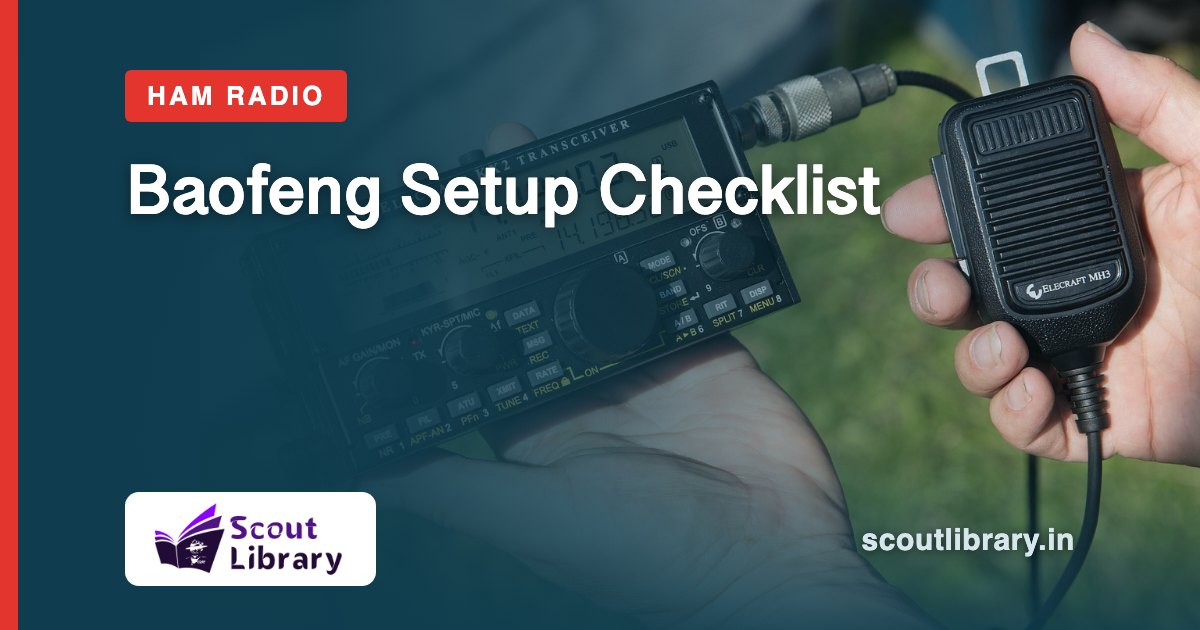
Do these in order before your first call. Menus and key names differ a little between models, so keep your manual nearby.
Antenna on, battery charged
Screw the antenna on firmly before you power up. Never press the transmit key without an antenna fitted, it can damage the radio.
Charge the battery with the charger that came with the radio.
Volume and squelch
Turn the volume knob clockwise until you hear the radio.
Squelch is a menu setting. A higher level keeps the radio quiet until a stronger signal arrives, so it cuts the hiss between calls. Too high and you will miss weak stations.
VFO and channel mode
VFO (frequency mode): type a frequency on the keypad.
Channel mode: use frequencies you saved earlier as numbered channels. Many models switch between the two with one key, often marked VFO/MR.
Programming
Add your frequencies with a programming cable and computer software (CHIRP is a free option), or with a Bluetooth programming adapter and a phone app. Save them as channels.
Programming is much faster than typing every frequency by hand.
Licence and legal use
Listening is free. To transmit on amateur bands you need an amateur radio licence, and you should transmit only on frequencies you are authorised to use.
Keep your callsign and the allowed bands handy.
Keep Scout Library in your pocket
Read posts, circulars and ebooks in the free Android app, practise quizzes and get notified when new circulars are published.
Get the app on Google PlayBrowse ebooks